RSPS Auction Advertising
To purchase advertising space, create an account, go to your User Control Panel, and click "Auction Advertising."
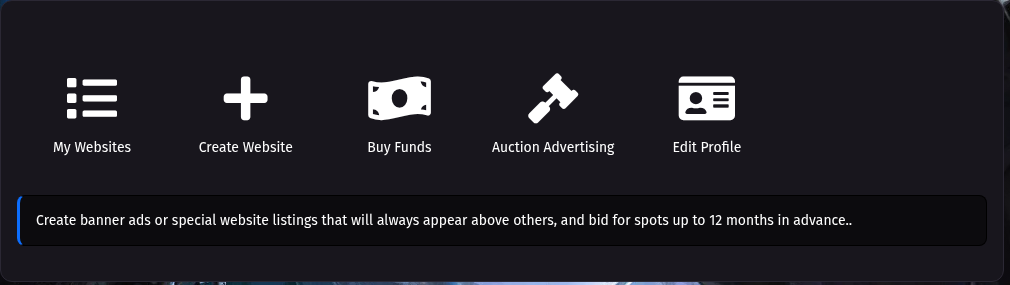
Since we use an auction-style system for banner ads, you will need to add funds to your account before submitting bids.
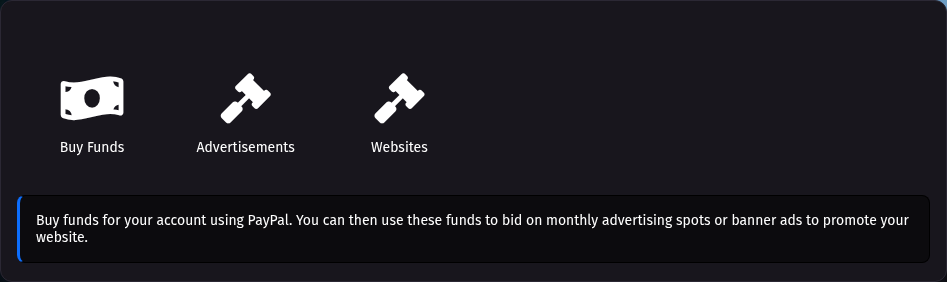
To add funds, click "Buy Funds," and the rest is self-explanatory.

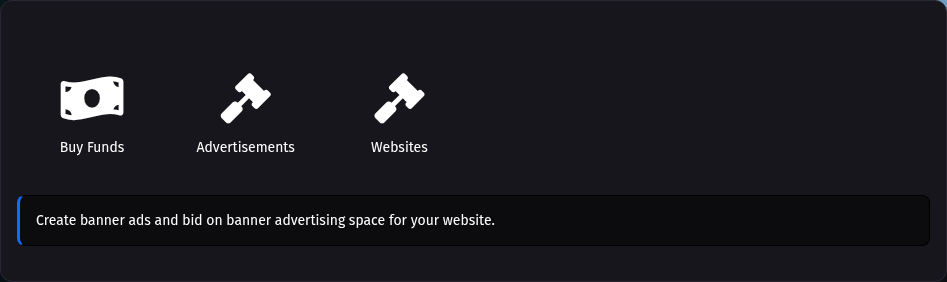
Once you have purchased funds, click "Advertisements," and then click "Create an advertisement" on the next page.
On the Create Advertisement page, ignore the first step; it's only useful if you already have an advertisement created. Scroll down to the fields and enter the necessary information.
Your ad must be the following dimensions:
728 x 90, 300 x 250, or 900 x 200.
Acceptable file formats are:
PNG, GIF, JPG, and MP4.
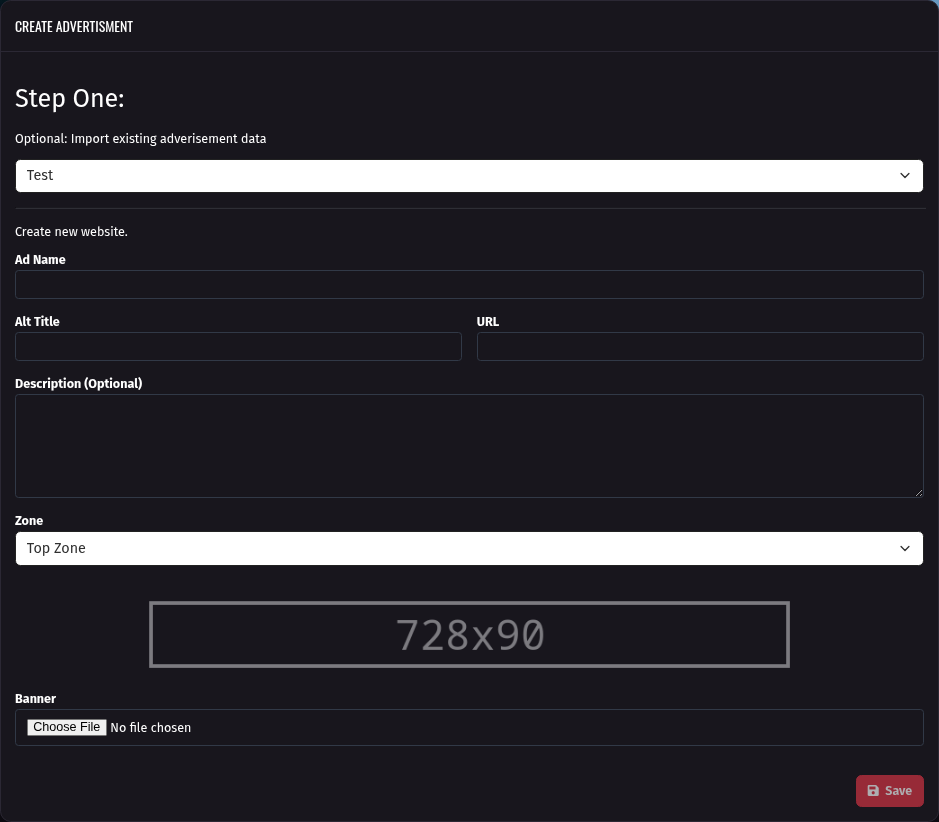
Please note that GIF files are converted to MP4, while all others are converted to WEBP.
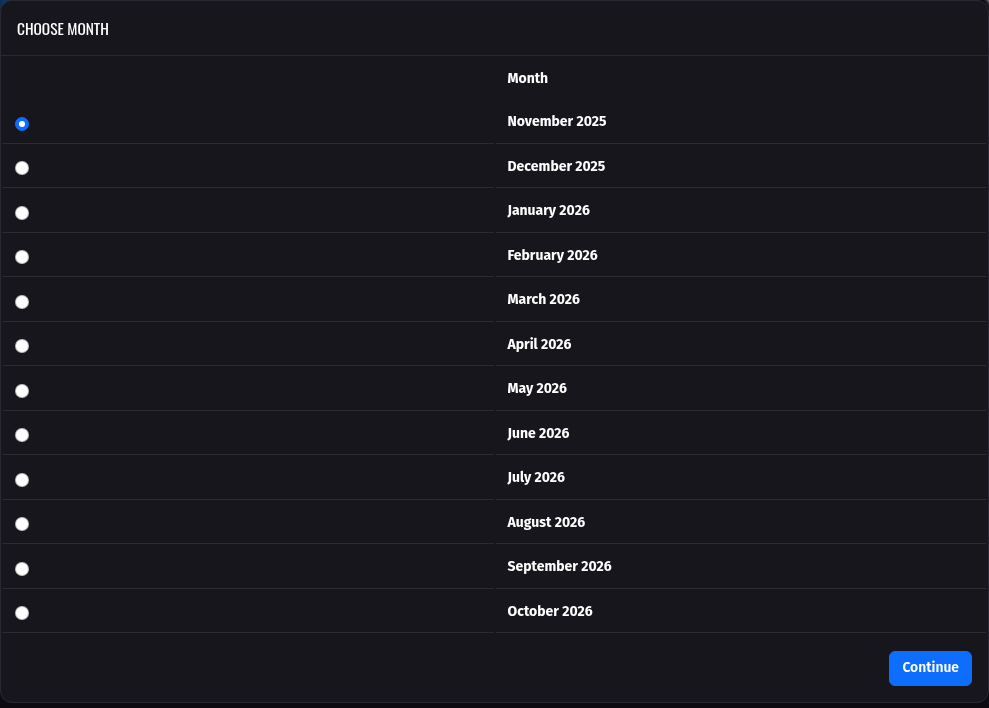
After entering your advertisement information, click Submit. You will then be redirected to the "Choose Month" page, where you will select the month for which you want to bid.
You can bid on the next month or up to 12 months in advance.
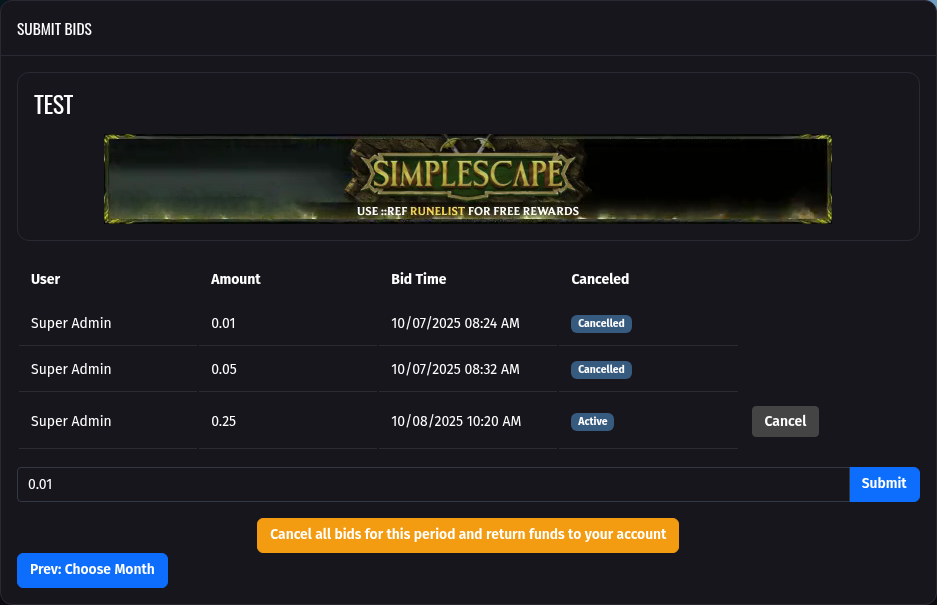
On the bid page, you can submit a bid, cancel a single bid, or cancel all bids. Once you submit a bid, the funds are withheld until the auction for that month ends. If you lose, the funds are returned. The same applies if you cancel a bid.
Auctions end at midnight on the first day of the month, server time. (America/Chicago)